Issue: The ethernet network adapter stopped functioning and does not appear as a physical device in Windows 10/11. This may be caused by either a corrupted driver or an issue in the network stack.
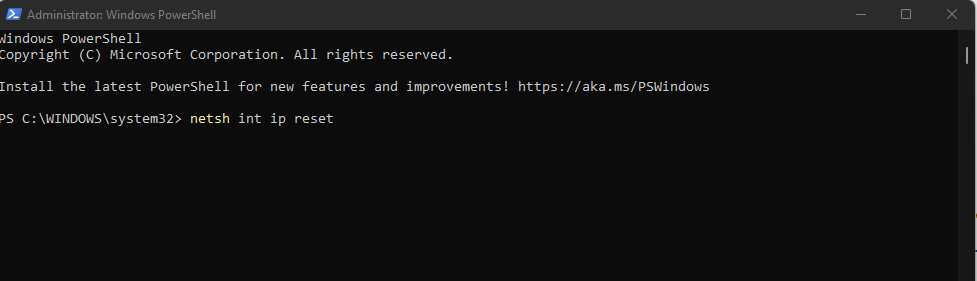
The quickest way to fix the issue is to run the following PowerShell commands (runas: Administrator) and reboot the system.
Powershell Command:
netsh int ip reset
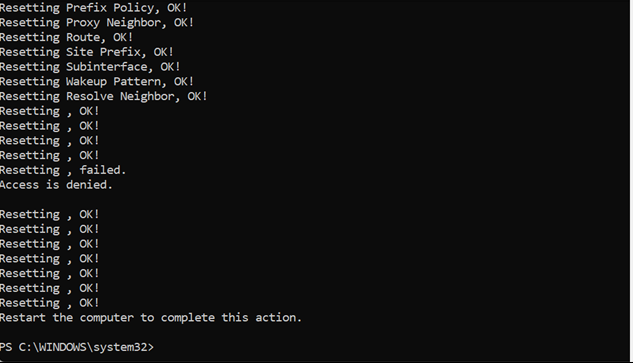
Once the system restarts, the ethernet adapter should be functioning again.